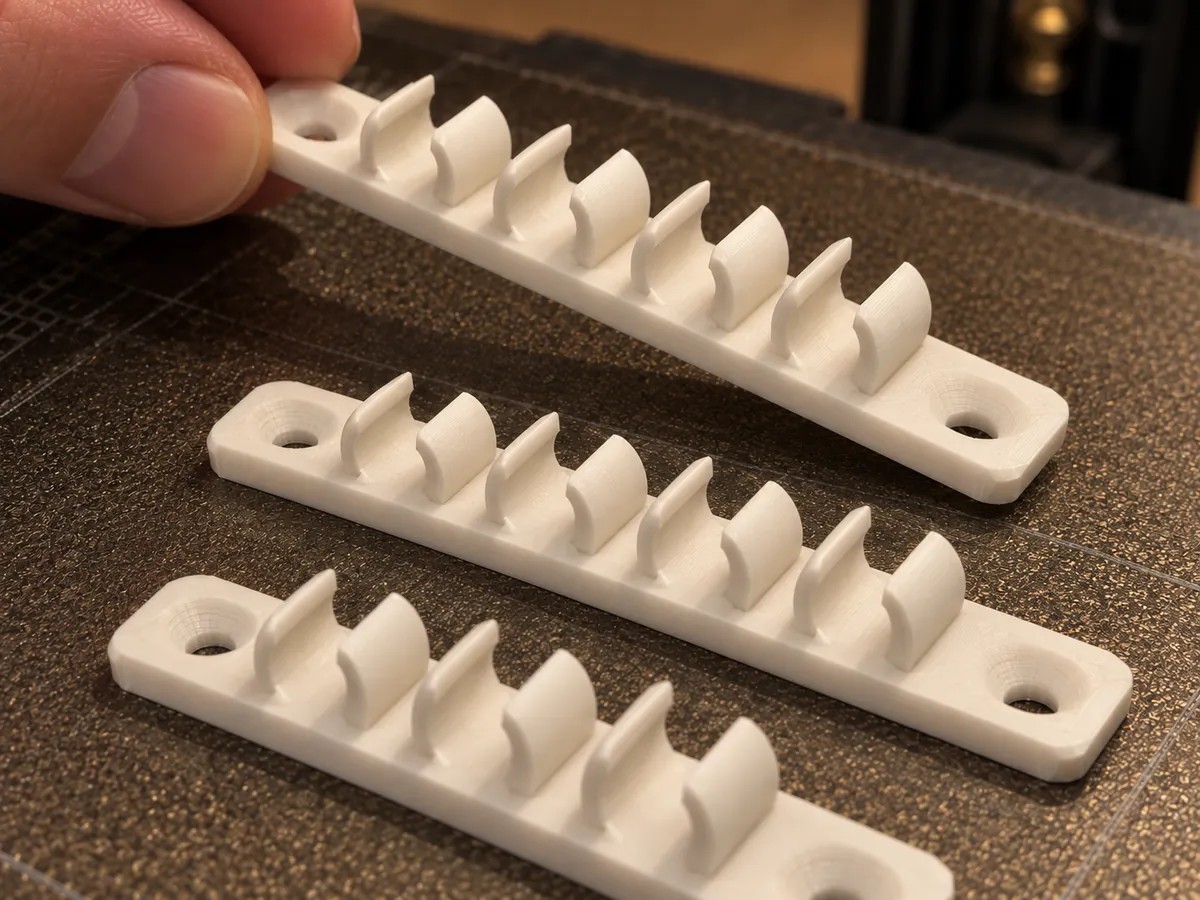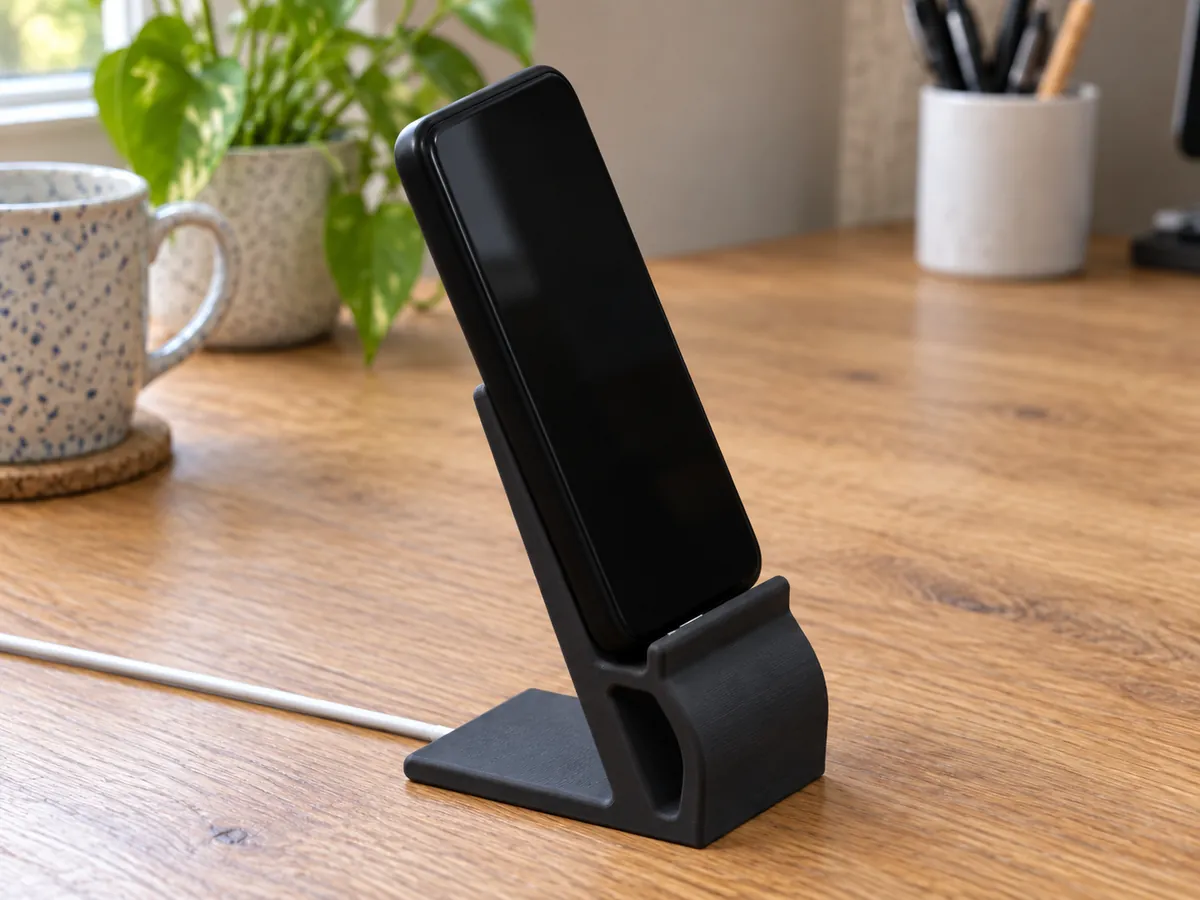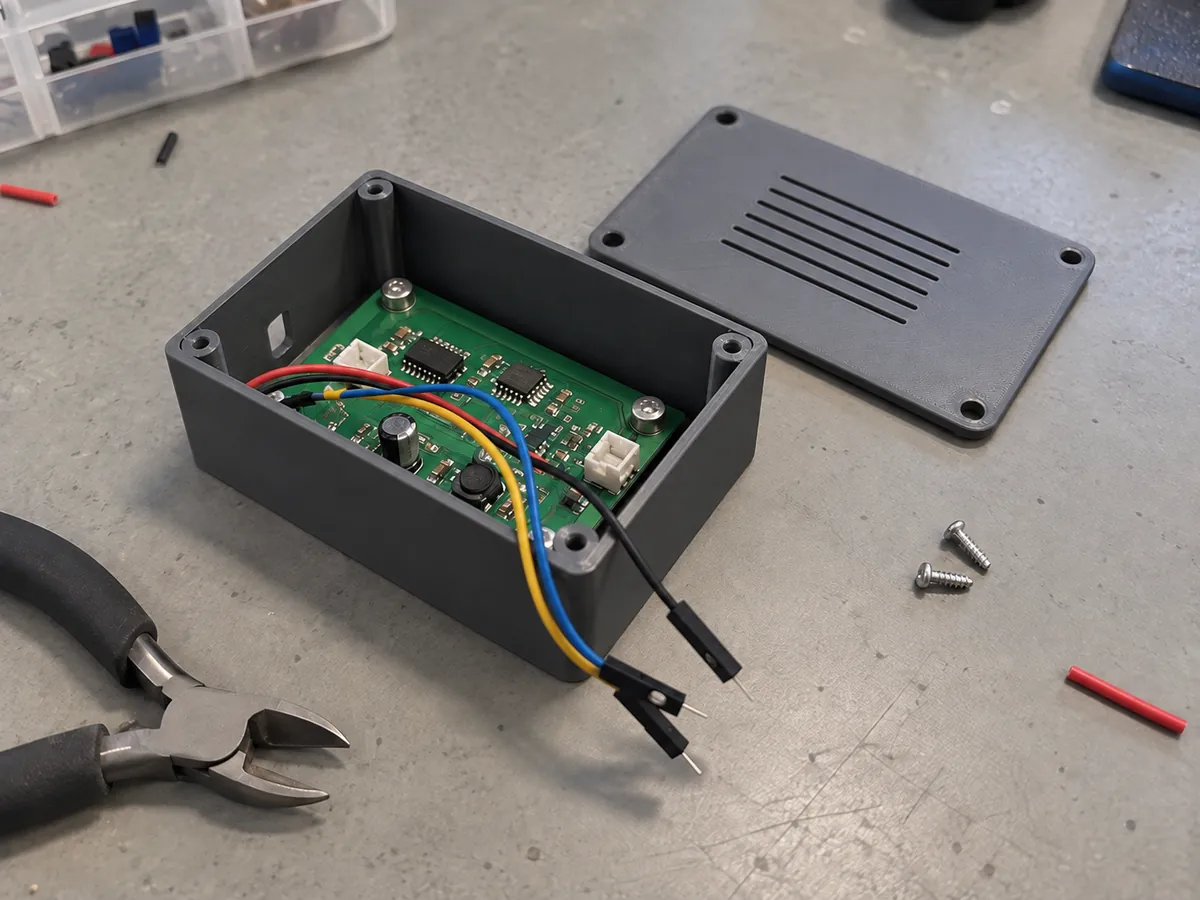

CAD for people who own a 3D printer

Stop printing parts that almost fit.

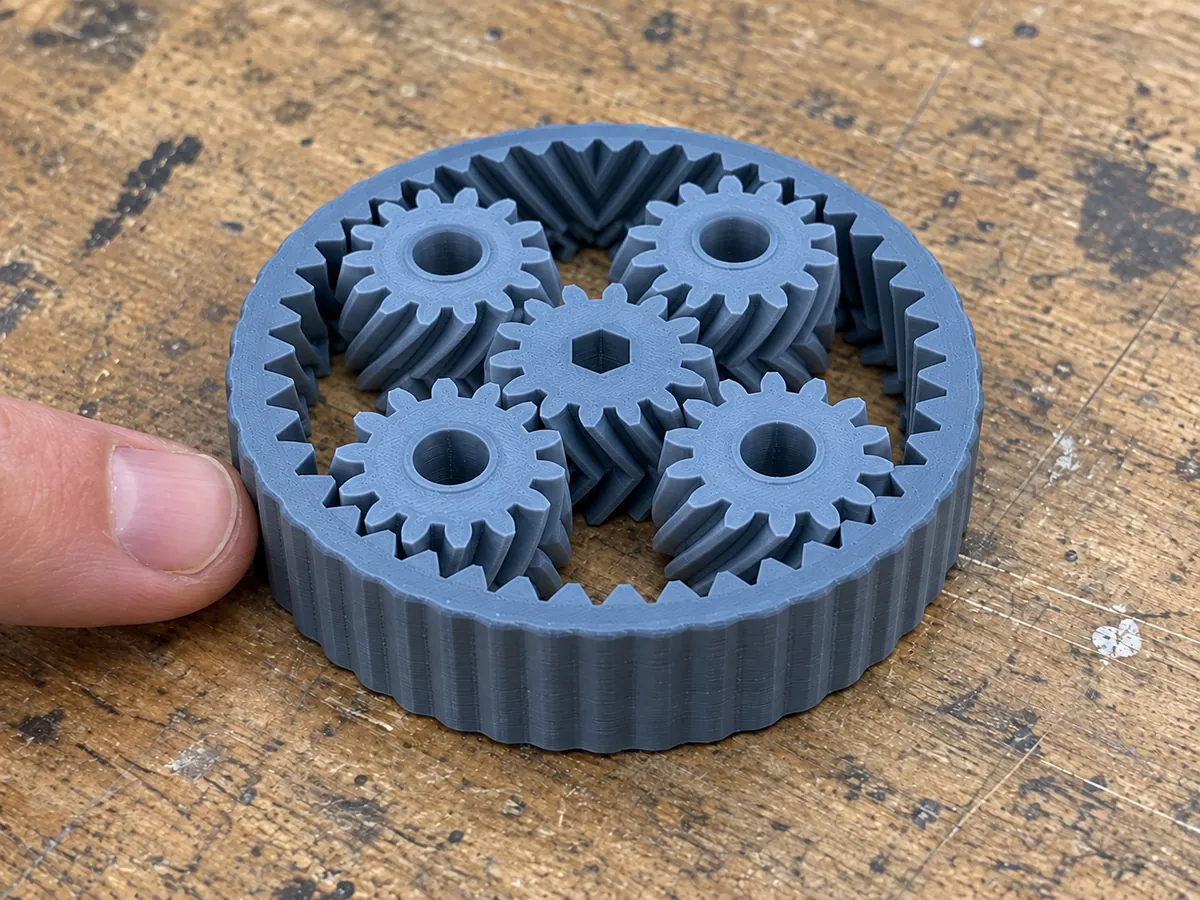
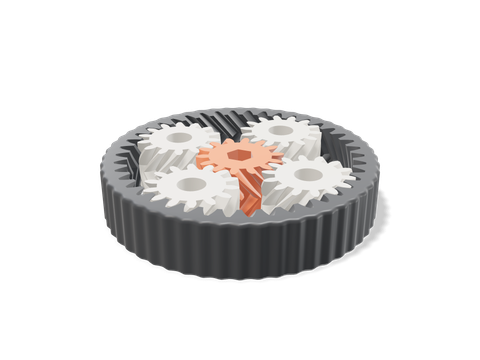
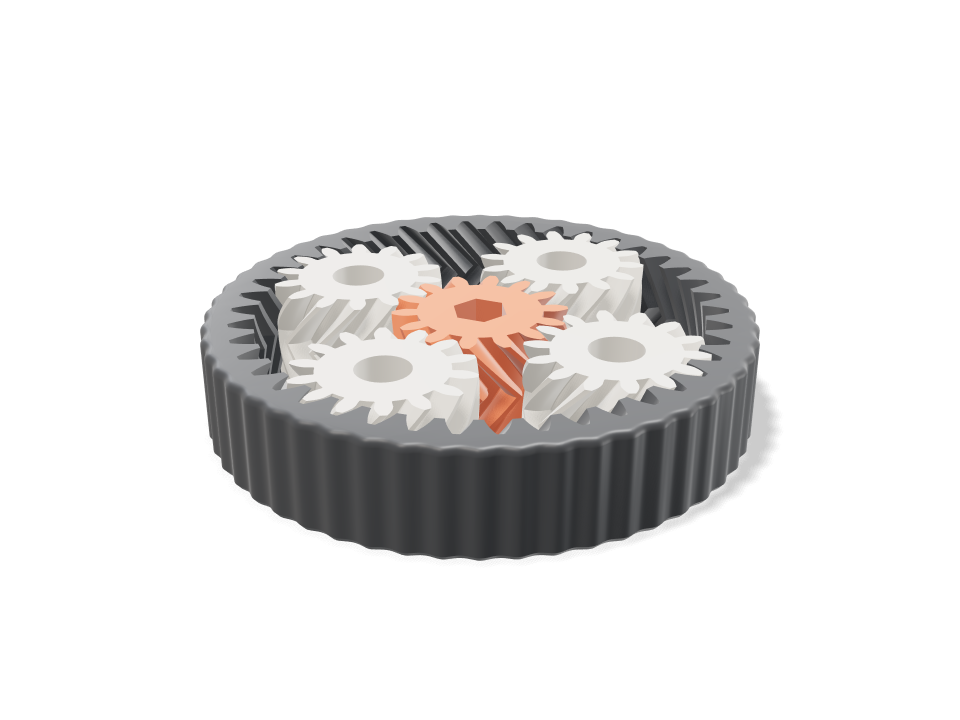
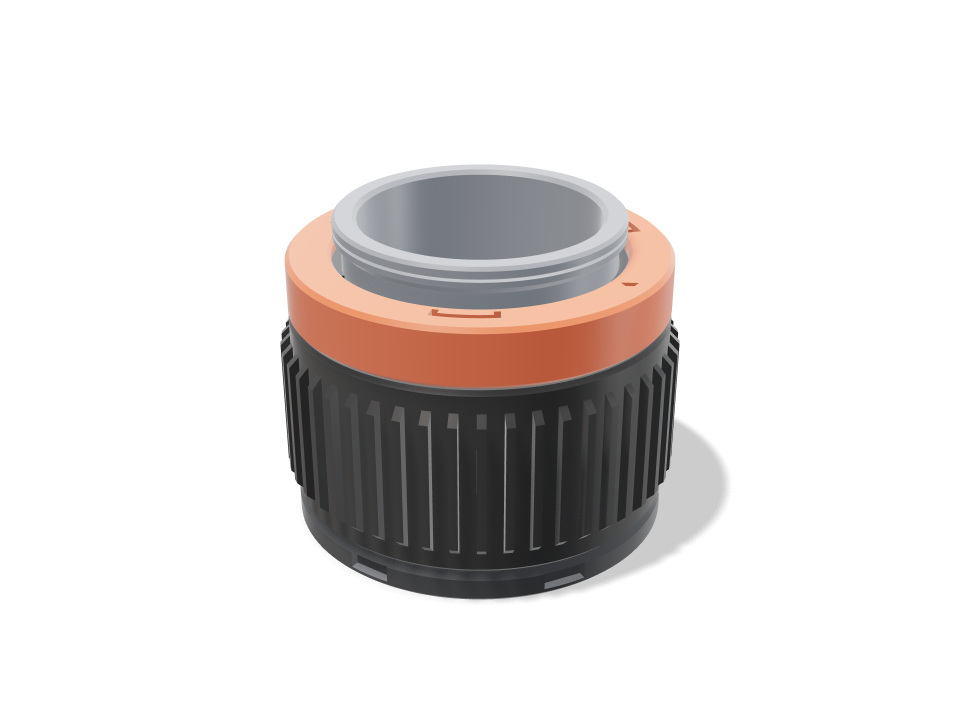
A print-in-place planetary gear bearing, herringbone teeth, 4 planets, module 1.5, with a hex drive in the sun.→ Planetary gear bearing

Loftsmith is CAD you can talk to. Describe the part, add one measurement, and it's designed around your printer and your filament. Every clearance, overhang and wall is checked, and you get a file already laid out on your bed.

  • Free account, first design free
  • Sliders free forever (they run on your computer)
  • Bambu, Prusa, Creality, Voron, any bed
Planetary gear bearingSHEET 1/4
PROMPTA print-in-place planetary gear bearing, herringbone teeth, 4 planets, module 1.5, with a hex drive in the sun.
Planetary gear bearing designed and checked by Loftsmith74.374.315.0
  • Fits the Bambu Lab A1 one plate
  • No tooth interferencesun/planet mesh at 1.00:1 needs 13+ teeth at 20 deg; smallest here 14
  • Teeth take a firm hand twist2.5 MPa at the tooth root for 0.5 N m on the sun (Lewis, Y 0.277); PLA allows 16.7
Envelope
74×74×15 mm
Material
PLA
Mass
32 g
Print
1 h 14 min
Parts
6

01 — The almost-fits tax

You know how this goes.

You find an STL that's close enough. You print it. Three hours later the lid won't close, the hole is two millimetres off, or the clip snaps the first time you use it.

So you open CAD. You watch half a tutorial. You close CAD.

Every round costs filament, an evening, and a little of the fun. (Call it the almost-fits tax. Every maker pays it.)

Loftsmith cuts out the guessing in the middle. Your part is designed around your measurements, your printer and your material, and checked, before the first layer goes down.

02 — How it works

Three moves. Every one has a reason.

A 75 mm
Snapped to edges

A Say it. Show it.

Type it the way you'd tell a friend. Add a photo and drag a line across something you've measured. The ends snap to the real edges.

Why the measurement? Because a photo can't tell 60 mm from 66 mm. You can, in five seconds with a ruler.
1Make this corner stronger

B Watch it build. Steer it.

The part is written as real, parametric CAD and built in front of you. Drag a slider and it rebuilds instantly. Circle any spot and say what to change. No more describing “the bit near the top left”.

Why are sliders free? Because they run on your computer, not our servers. They cost us nothing, so they cost you nothing.

8.5 g instead of 65 g

C Print the risky bit first.

Not sure about a snap-fit or a screw boss? Circle it and print just that section, 8.5 g instead of 65 g. When it fits, download the whole thing, already split into plates for your bed.

Why would we tell you to print less? Because a part that fits first time is the only thing that brings you back.

03 — Before your printer sees it

It checks the print before your printer does.

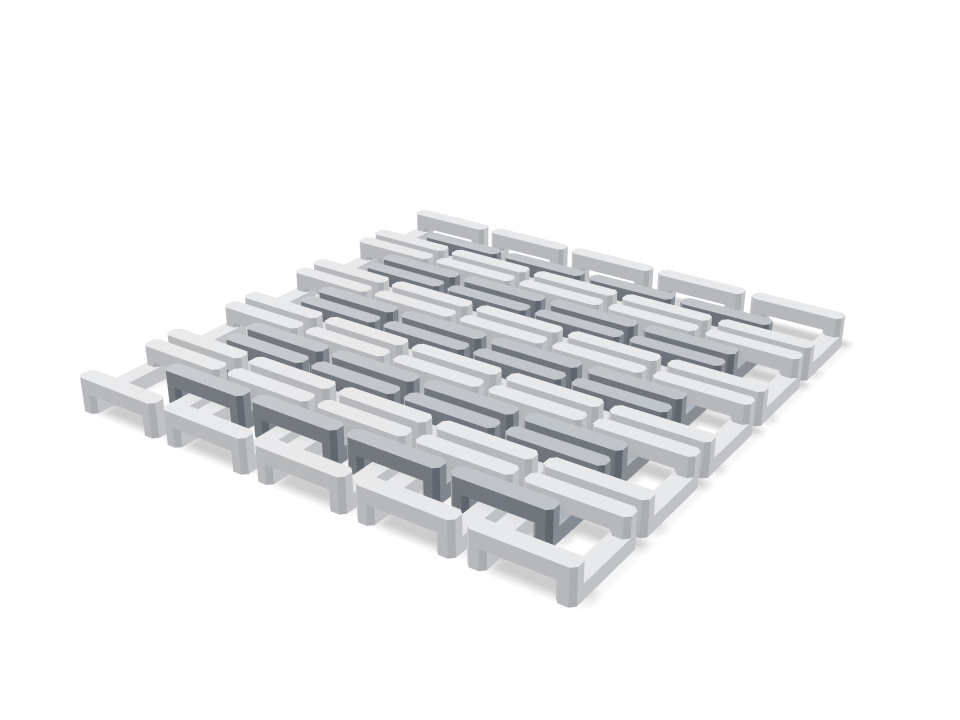
Every version is sliced into layers, scanned for overhangs, measured against your bed and checked for walls too thin to print. You see what it found and what it changed. No black box.

80 mm50 mm6.0 mm
Waiting…Layer 0 / 250
  1. Slicing into layersQueued
  2. Scanning overhangsQueued
  3. Fixing the designQueued
  4. Checking bed fitQueued
  5. Measuring wallsQueued
  6. Ready to print1 h 52 min · 64 g PLA · no supports

04 — Proof you can open

Don't take our word for it. Open one.

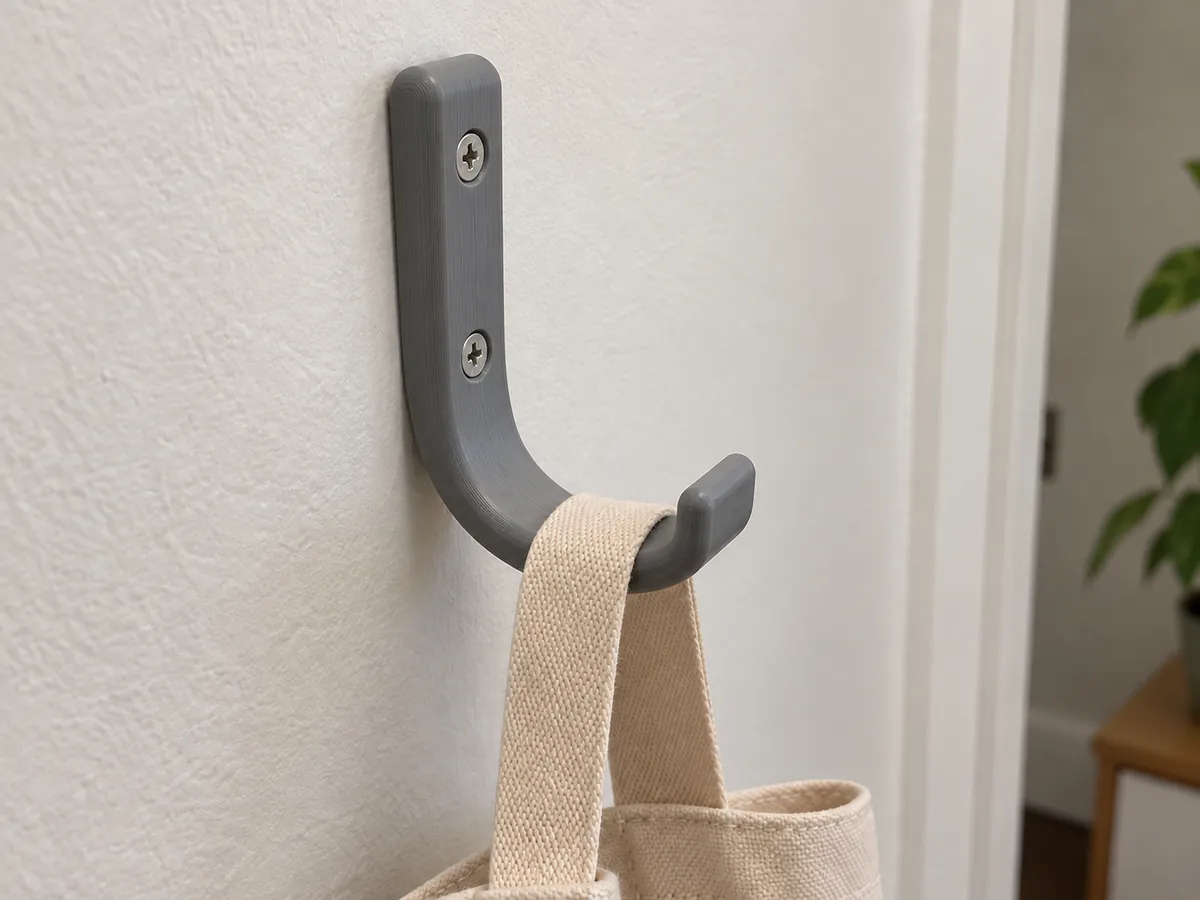
Every model below is live: real CAD, real checks, adjustable in your browser. The numbers come from the actual build. The 12 g wall hook, for example, checks the inside of its bend with curved-beam math: 14.9 MPa inside the bend at 5 kg hung suddenly (curved beam x1.28); PLA allows 16.7 along the layers.

All 25 models
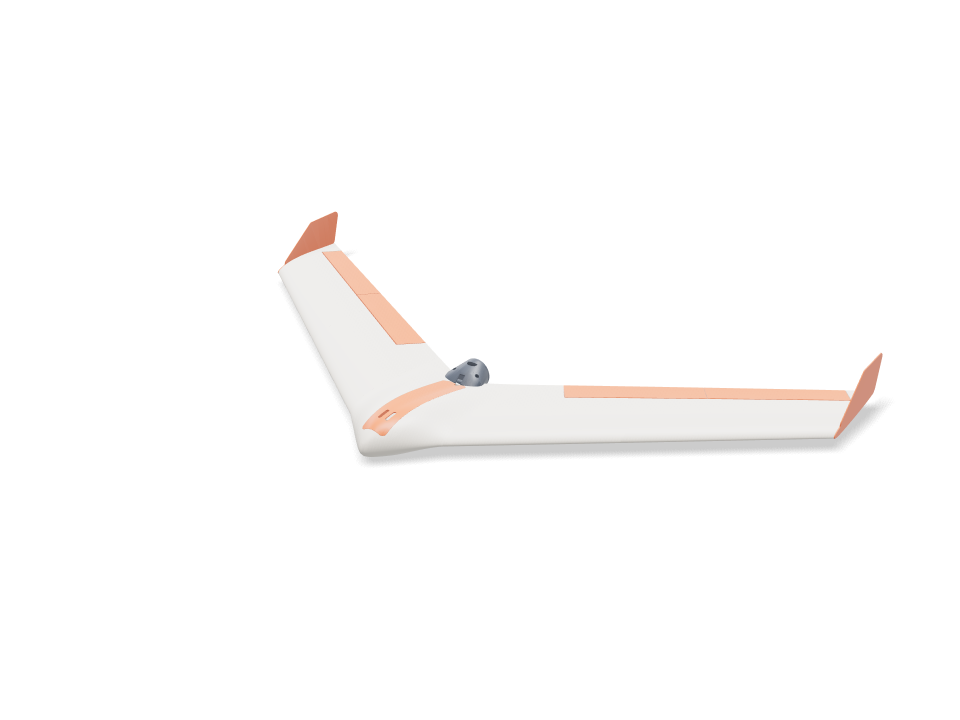
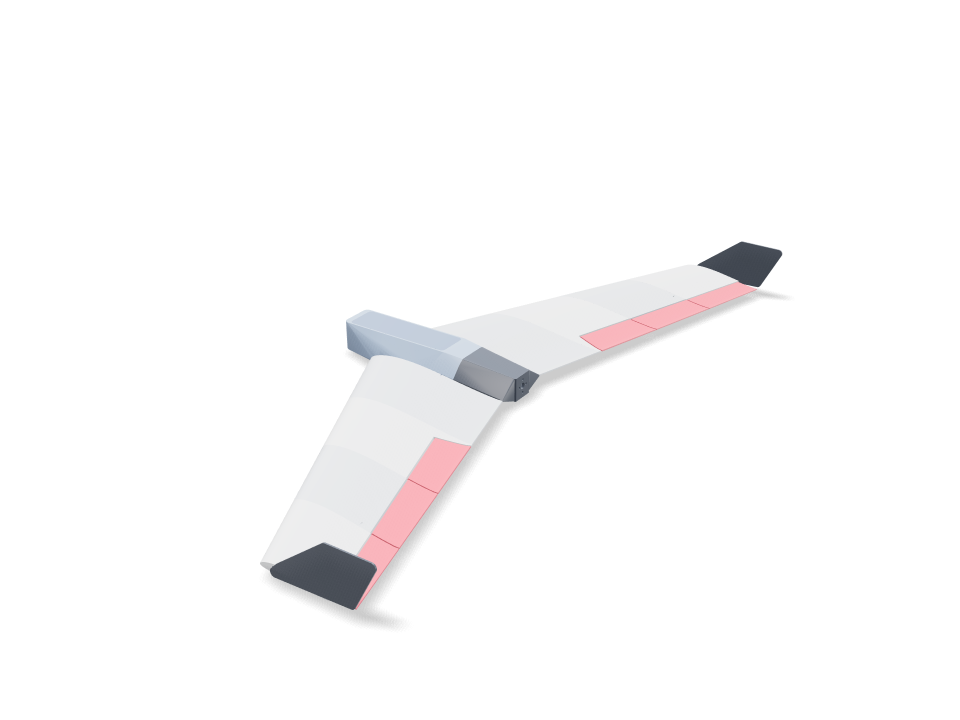
Fabled Wing: 3D printable FPV flying wing designed with Loftsmith15 PARTS · LW-PLA · CARBON SPAR

05 — Built for a harder problem first

We built this engine for complex, multi-part designs.

The Fabled Wing is a 1-metre FPV plane in 15 printable parts: swept panels braced by a modelled internal lattice, a bore for the carbon spar, alignment pins at every joint and elevons on the outer panels. Change the span and every panel is re-sized for your bed, and wing loading and stall speed are re-checked.

If it can keep a wing honest, your drill mount is in safe hands.

36printable parts
44.8 g/dm²wing loading
9.5 m/sstall speed (estimate)
427 gairframe plastic

Design checks, not flight tests. Balance it and trim it like any wing before the first launch.

Open the wing

06 — What it's not for

Here's what Loftsmith won't do for you.

Better you hear it now than after your first credit.

  • Sculptures, figurines, minis.It designs functional parts with real dimensions. For organic shapes, use a sculpting tool.
  • Certify strength.Checks are geometry plus simple engineering estimates. Print the test piece and load it yourself.
  • Replace your slicer.You still slice. You get a 3MF with every part facing the right way and laid out on your bed.
  • Guess sizes it can't see.If a size matters, measure it once. It will ask you when it has to, instead of inventing a number.

07 — Pricing

About a roll of filament a month.

A 1 kg roll of PLA costs around $20. For $19.99 a month you can design about 10 new parts of your own, each checked for your printer before it ever sees filament. Sliders, checks and downloads are free forever, because they run on your computer.

Free

Design your first parts and use every generator.

$0free

Free account · nothing charged

First design free, then 12 credits with a cardEnough to design and print your first part
Start free
  • First design free, no card needed
  • Unlimited generators and sliders
  • Projects on every device, shared as public showcases
  • STL download
  • Free account (Google or email)

Pro

Multi-part products and client work.

$39.99USD / month

Billed monthly · cancel anytime

175 credits a monthAbout 29 simple parts a month, or 11–17 fine-tuned ones
  • 175 design credits every month
  • Unused credits roll over (they last 6 months)
  • Almost 3× Maker's credits, for multi-part products
  • Lower price per credit than Maker
  • Everything in Maker
  • STEP export (beta)
Need it done for you?Jigs, fixtures and small products, designed and test-printed by an engineer with Loftsmith. Part Sprints from $249.
Book a first part

Compare every plan →

08 — Questions

Asked before you ask.

What is a credit?

Credits pay for design work: the AI reading your design and working out the change. What a design costs depends mostly on how many rounds it takes, not on how complicated the part is. One request for one part usually takes 3–7 credits. A part you refine over a few rounds takes 5–12. A long project with many rounds takes 15–30 or more, because every change starts by re-reading the whole design so far. So several changes in one message cost less than sending them one at a time. Before you send a message the Studio shows what it usually costs, you get a receipt after, and you can stop any time; if one message runs well past its usual cost, it pauses and asks before going on. Moving sliders and re-exporting is always free because it runs in your browser.

How is this different from text-to-3D generators?

Text-to-3D generators sculpt a mesh that looks right. Loftsmith builds a part that measures right: it writes parametric CAD, uses real hardware dimensions (screws, inserts, bearings, boards), checks bed fit, overhangs and thin walls for your printer, and runs engineering checks like bending stress or tip-over before you print.

Which printers are supported?

Any FDM printer. Pick a profile (Bambu Lab, Prusa, Creality, Voron…) or a generic bed size; parts are checked against its build volume and split with alignment pins when they don't fit.

Who owns the designs?

You do. Paid plans include commercial use of everything you design and print, so you can sell the products you make.

What file formats can I download?

STL per part and 3MF with every part laid out on a plate. Your design stays in your projects, so you can reopen it and change it any time. STEP export is in beta on Pro.

Is there anything Loftsmith won't design?

Firearms, firearm parts and weapon accessories. Everything functional and legal — tools, mounts, enclosures, RC and drone parts, jigs and fixtures — is fair game.

Your next print can fit the first time.

  1. 1

    Create a free account. Google or email, no card needed. Your first design is free.

  2. 2

    Type the part you need. One sentence is enough. Add a size if you know it.

  3. 3

    In about a minute you have a model, checked for your printer. Not right? Circle what's wrong and say so.

or open a model first

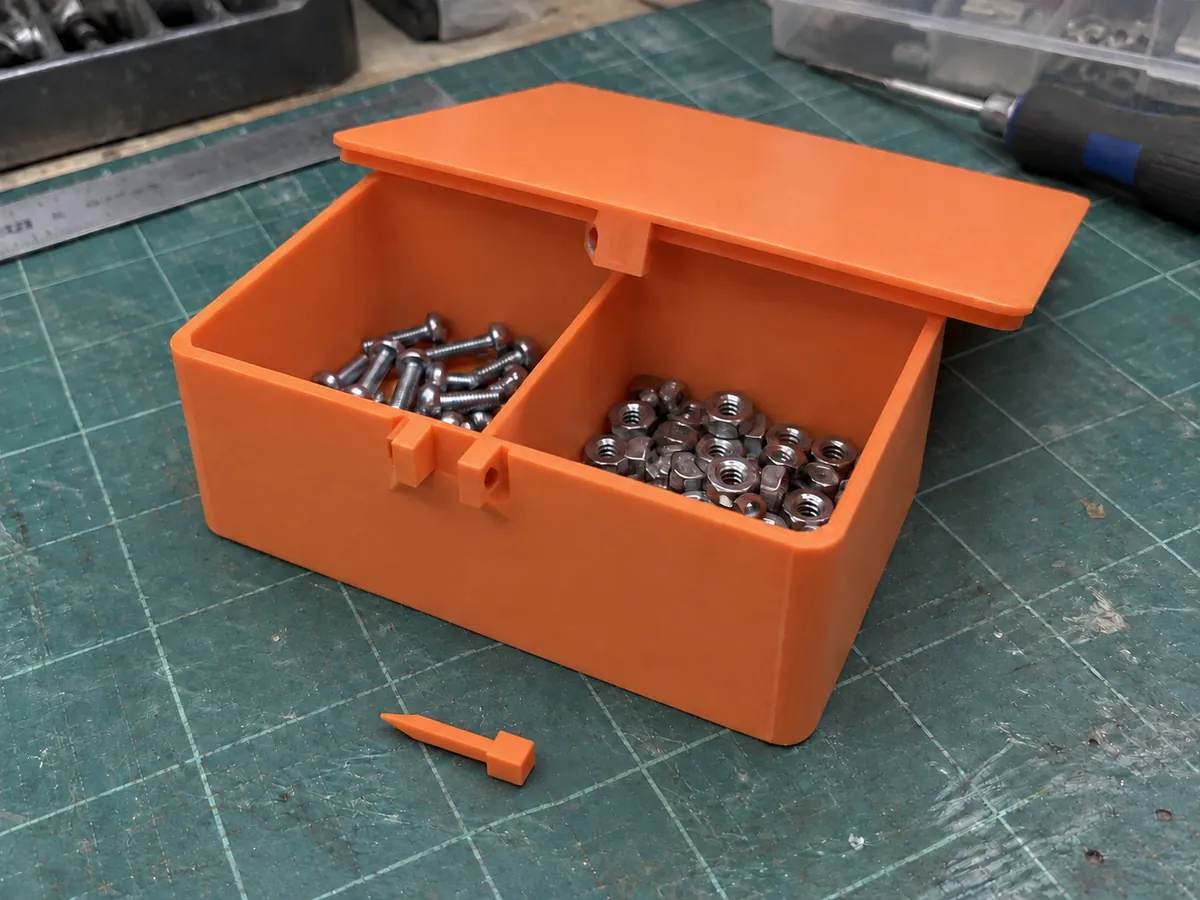
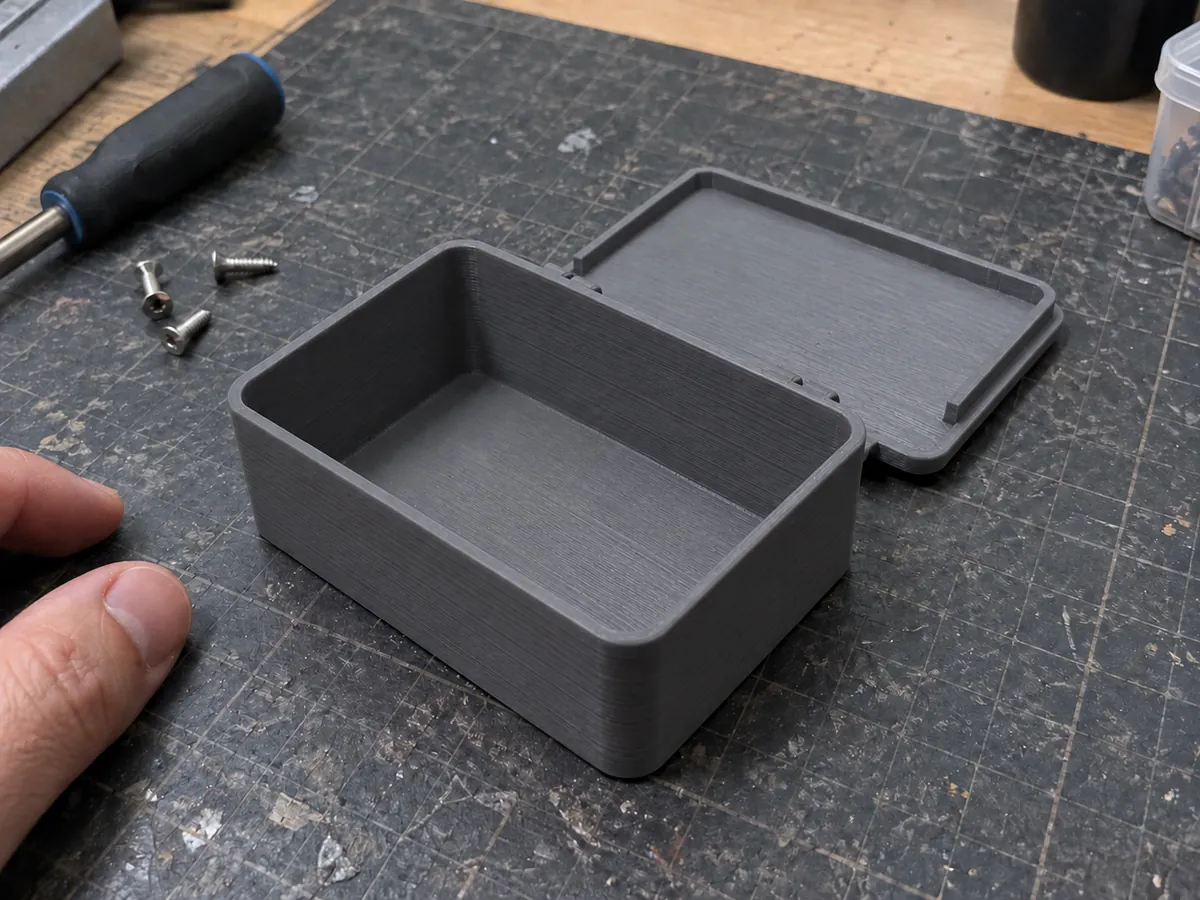
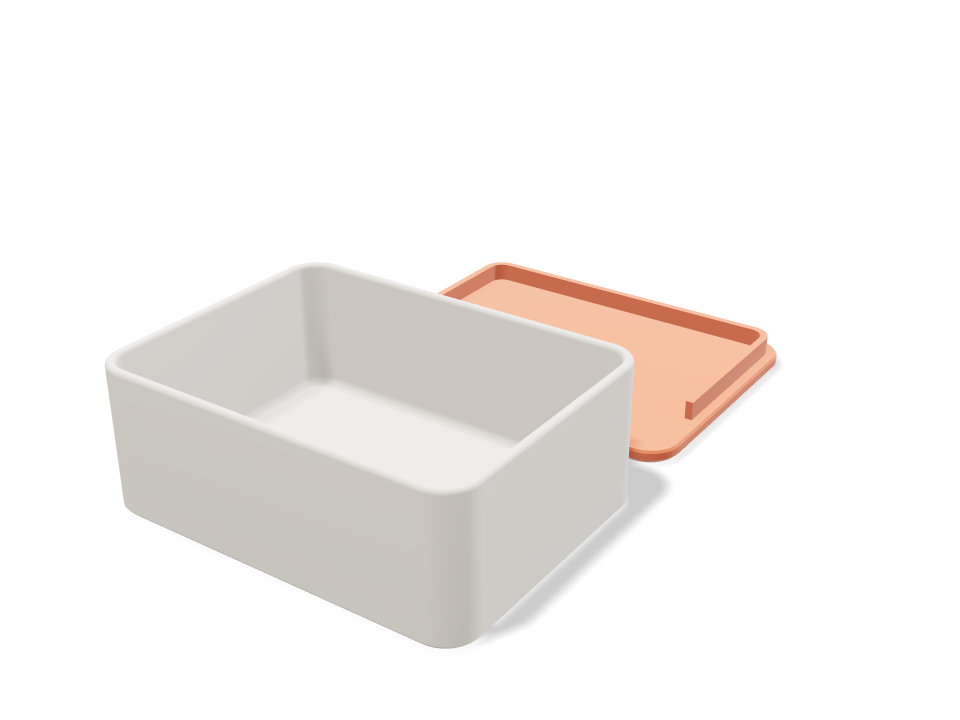
P.S. Not ready to describe anything yet? Open the print-in-place hinged box and drag the sliders. It's free, it runs in your browser, and within ten seconds you'll see the hinge gaps (0.35 mm radial and 0.4 mm axial gaps around every knuckle) being re-checked as you go.