“a phone holder”
“a phone stand for an iPhone 15 Pro in a thick case, 65° angle, slot for the USB-C cable”
Name the thing it holds and the one angle or size that matters.
Text to CAD for 3D printing
Describe what you need in a sentence. Loftsmith turns it into a parametric CAD model with real dimensions, sliders for every size that matters, and checks for your printer and filament. Export STL or 3MF.
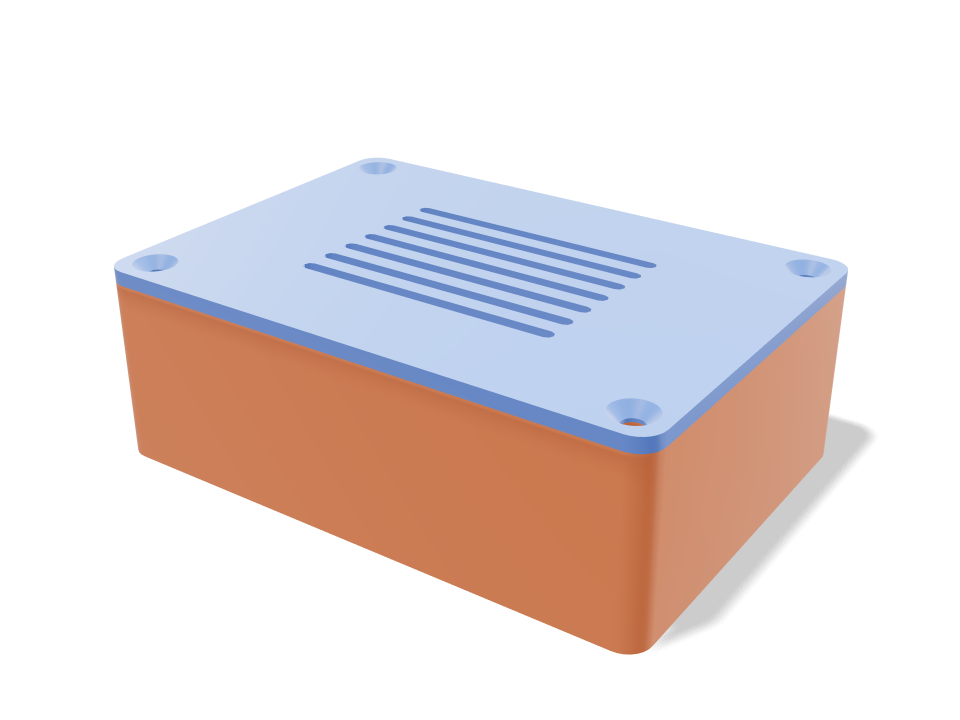
A case for a Raspberry Pi 5 with room for a fan HAT, vented lid, screwed with heat-set inserts.
What it is
Most “text to 3D” tools sculpt a mesh that looks like the thing you asked for. That's fine for a figurine. It's useless for a bracket, because nothing in a sculpted mesh is a real size.
Text to CAD builds the part the way an engineer would: sketches, extrusions, fillets and holes with known dimensions. So a 5 mm hole is 5 mm, a wall is 2.4 mm because it was told to be, and when you drag the width slider the whole part rebuilds without breaking.
Loftsmith adds the part that matters for 3D printing: every version is checked against your printer's bed, overhang limits and your filament before you print it.
Compared
| Question | Text to 3D mesh | Text to CAD Loftsmith | Traditional CAD |
|---|---|---|---|
| What you get | A sculpted mesh | A parametric CAD model | A parametric CAD model |
| Exact dimensions (a 5 mm hole is 5 mm) | |||
| Change sizes afterwards | Sliders | Edit the sketch | |
| Checked for your printer's bed, overhangs and walls | Plugins | ||
| Real hardware: screws, inserts, bearings, boards | |||
| Time to a first printable part | Minutes | Minutes | Hours to days |
| Learning curve | None | None | Weeks |
| Best for | Figurines, props | Functional parts and products | Anything, if you know how |
Examples
Each prompt below produced the model next to it. Open any of them to see the checks and drag the sliders.
A case for a Raspberry Pi 5 with room for a fan HAT, vented lid, screwed with heat-set inserts.
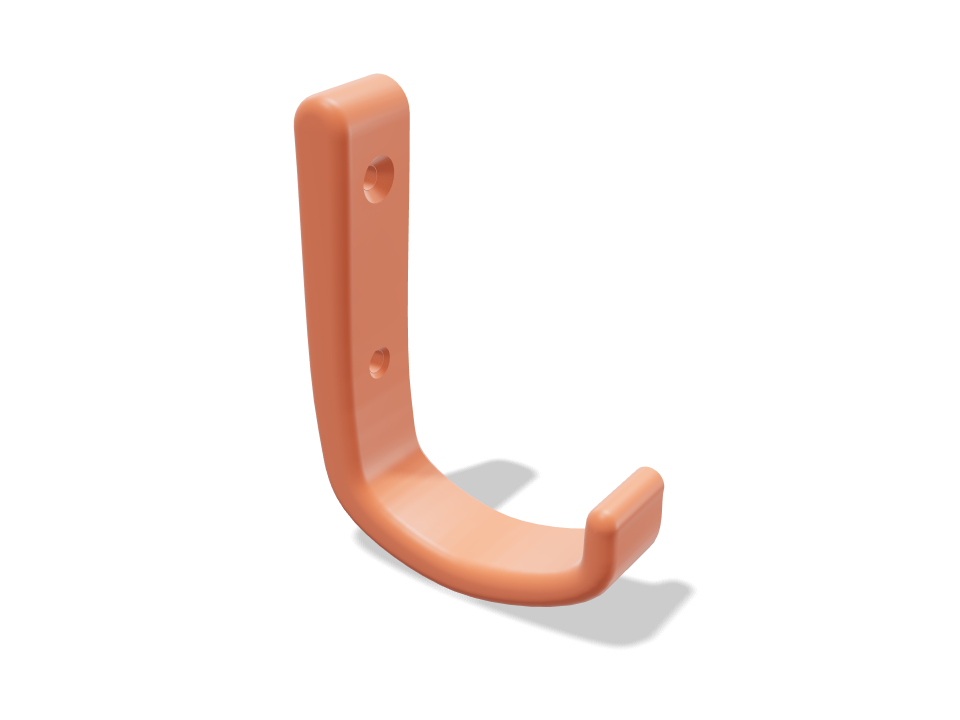
A strong wall hook for a backpack (about 5 kg), 55 mm reach, two screws.
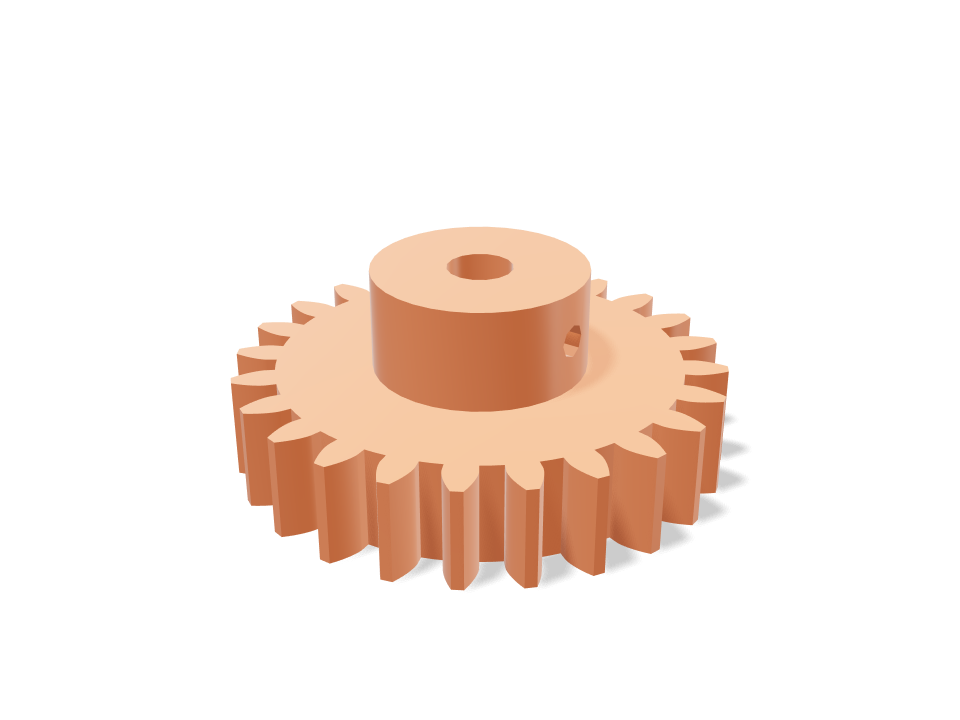
A 24-tooth module 1.5 gear with a 5 mm bore and a set-screw hub for a NEMA 17 motor.
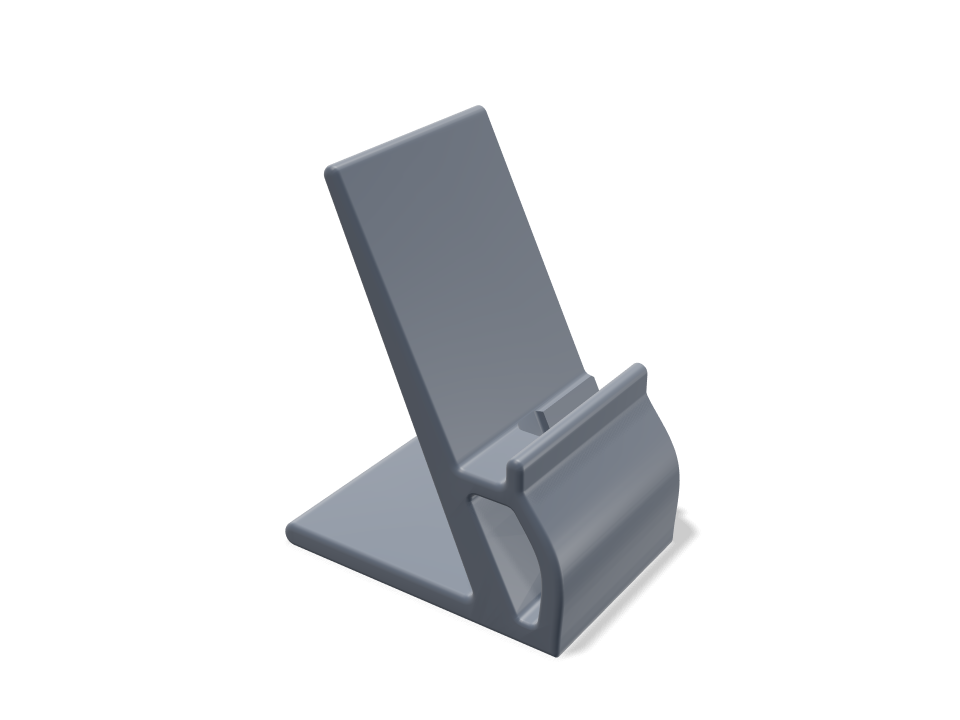
A soft, one-piece phone charging stand for phones in cases up to 16 mm, with the USB-C lead routed through it and out of sight at the back.
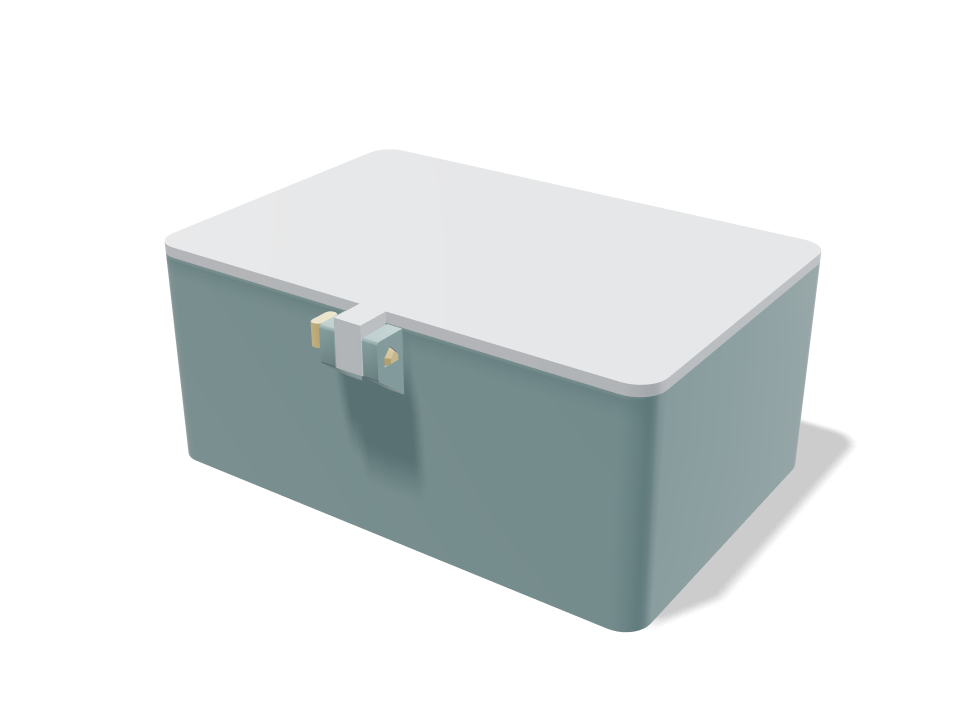
A rounded 120×80×50 mm box for SD cards and USB sticks, with one divider, a fitted lid and a compact local locking pin that withdraws before the lid lifts.
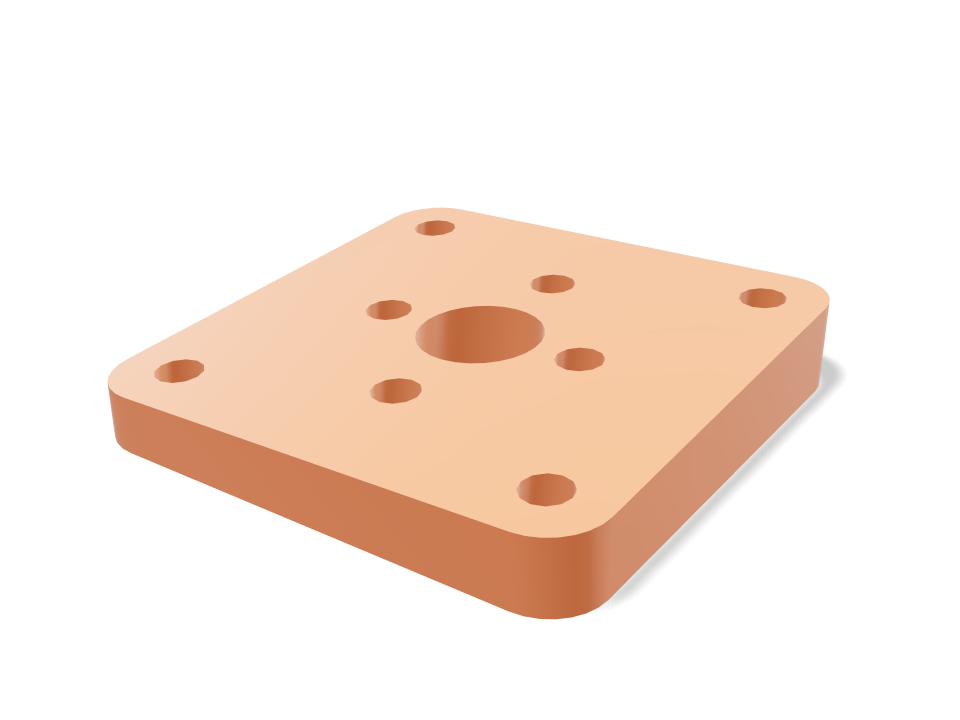
A firewall mount for a 2212 motor with 2 degrees of down-thrust and 2 degrees of right-thrust.
Writing prompts
You don't need CAD words. Say what it holds, what it attaches to, and the one size you've measured.
“a phone holder”
“a phone stand for an iPhone 15 Pro in a thick case, 65° angle, slot for the USB-C cable”
Name the thing it holds and the one angle or size that matters.
“box for my stuff”
“a 120 × 80 × 50 mm box for SD cards, one divider, fitted lid”
Give outside or inside sizes. Everything else becomes a slider.
“strong hook”
“a wall hook for an 8 kg backpack, 50 mm reach, two screws”
State the load. It checks the arm against your filament's strength.
Questions
Text to CAD turns a written description into a real CAD model: exact dimensions, named parameters you can change later, and geometry built from solid operations instead of a sculpted mesh. Loftsmith does this for 3D printing, so every model is also checked for your printer and filament.
Text-to-3D tools generate a mesh that looks right. Text to CAD builds a part that measures right: a 5 mm hole is 5 mm, walls have a known thickness, and you can resize it with sliders without the shape breaking.
Yes. Every design comes with sliders for the sizes that matter, and you can circle any area and describe the change. It stays in your projects, so you can reopen and change it any time.
STL for every part and 3MF with the parts laid out on your printer's bed, split across plates when they don't fit in one print. STEP export is in beta on Pro.
Every generator and slider is free without an account. Designing a new part from text needs a free account, which comes with 12 design credits: enough to finish your first part.